How to Add Page Numbers to a PDF Without Rebuilding It
A finished PDF can still be awkward to review, print, or discuss when nobody can say, “look at page 14.” You usually do not need to rebuild the original Word,…
A finished PDF can still be awkward to review, print, or discuss when nobody can say, “look at page 14.” You usually do not need to rebuild the original Word,…
Someone sends you a PDF, asks for a signature, and suddenly a thirty-second task turns into a hunt through menus, subscriptions, and clumsy image boxes. SuperTool’s new Sign a PDF…
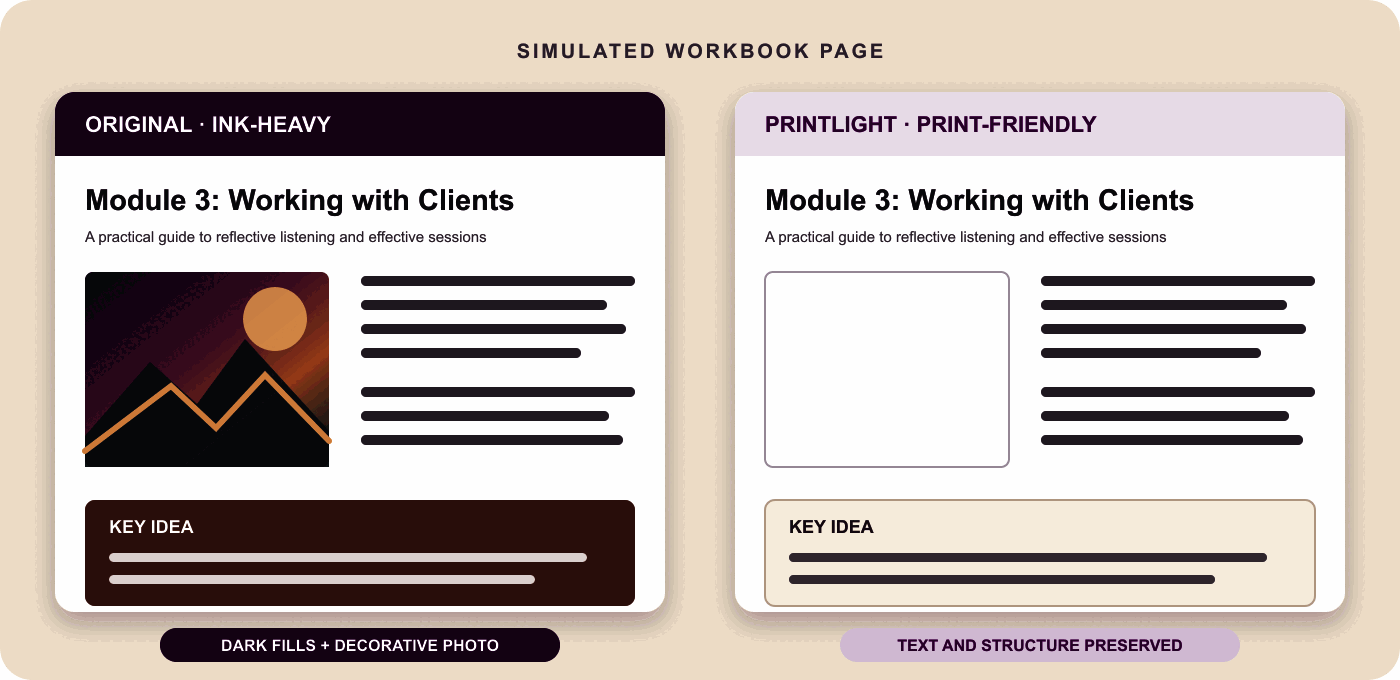
“Make this PDF use less ink” sounds like one task, but there are several very different ways to do it. Grayscale, black-and-white conversion, white-threshold cleanup, panel lightening, and image removal…
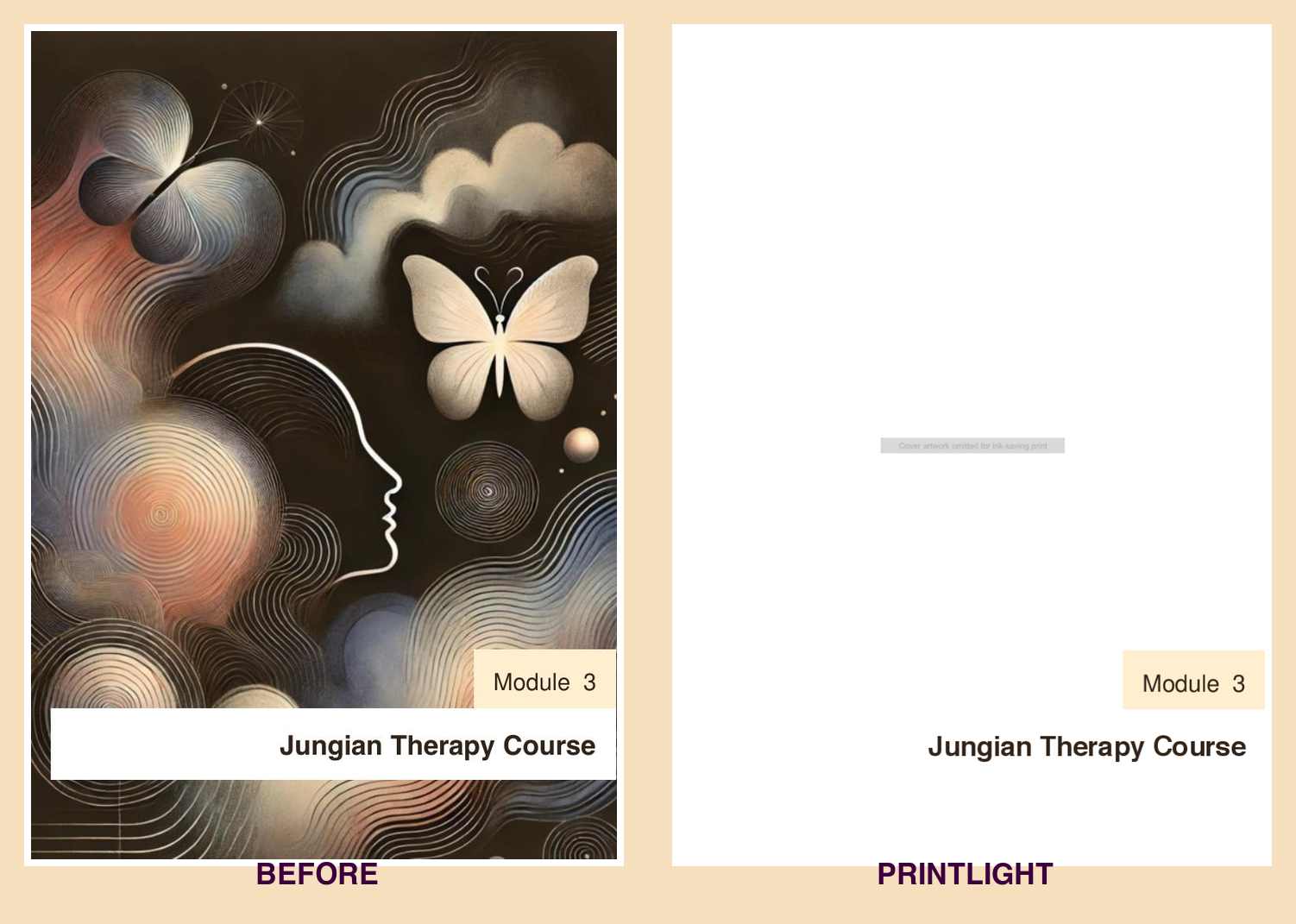
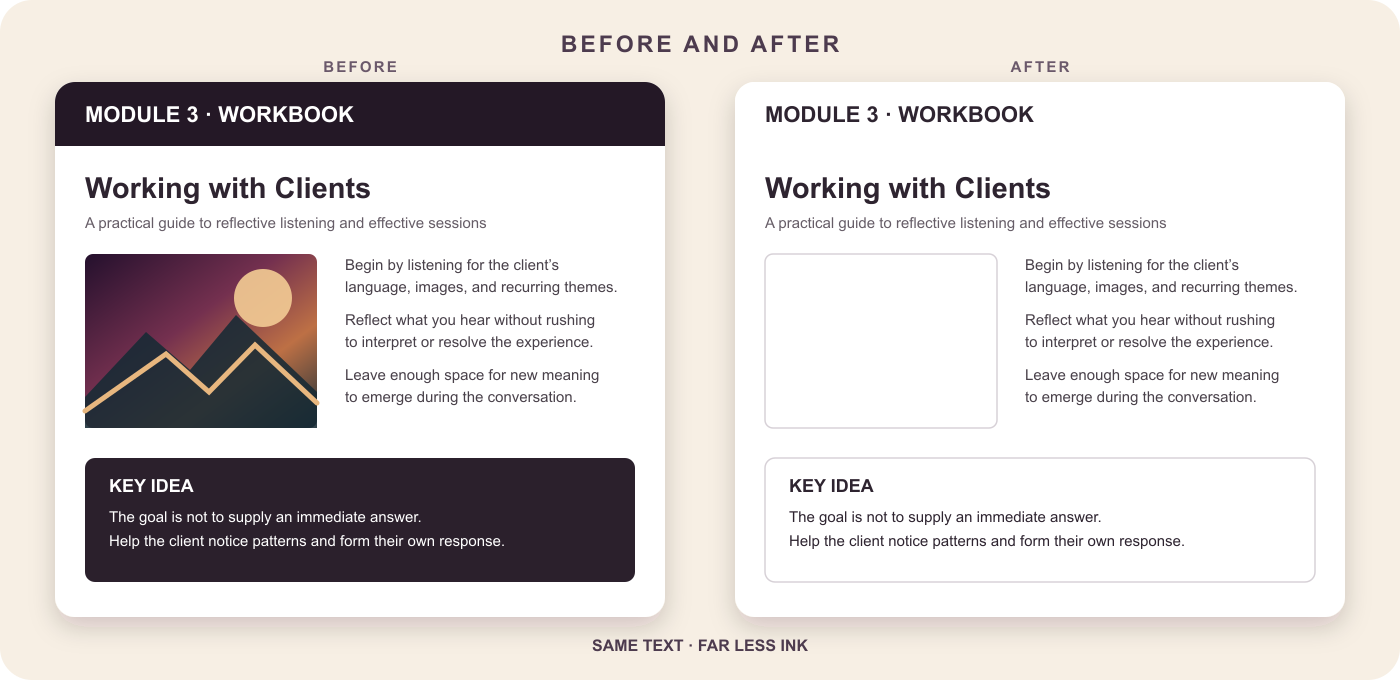
Many PDFs were designed for screens, not printers. A workbook may use dark chapter banners, an invoice may include a tinted scan, and a handout may devote half a page…
Old scans often look fine on a screen but print like a sheet of gray or yellow construction paper. The printer tries to reproduce every bit of background discoloration, using…
Translating the words in a PDF is easy. Translating the document without wrecking the page layout is the hard part. A normal copy-and-paste workflow pulls text out of its original…
Ever grappled with transforming your PDF into a Word document without sacrificing the original formatting? Or scratched your head over the optimal way to extract text from a scanned PDF…

TL;DR try the newly improved PDF to Color Online tool right now. Here's a quick review of some of the recent improvements to the PDF to Color Tool, which allows…
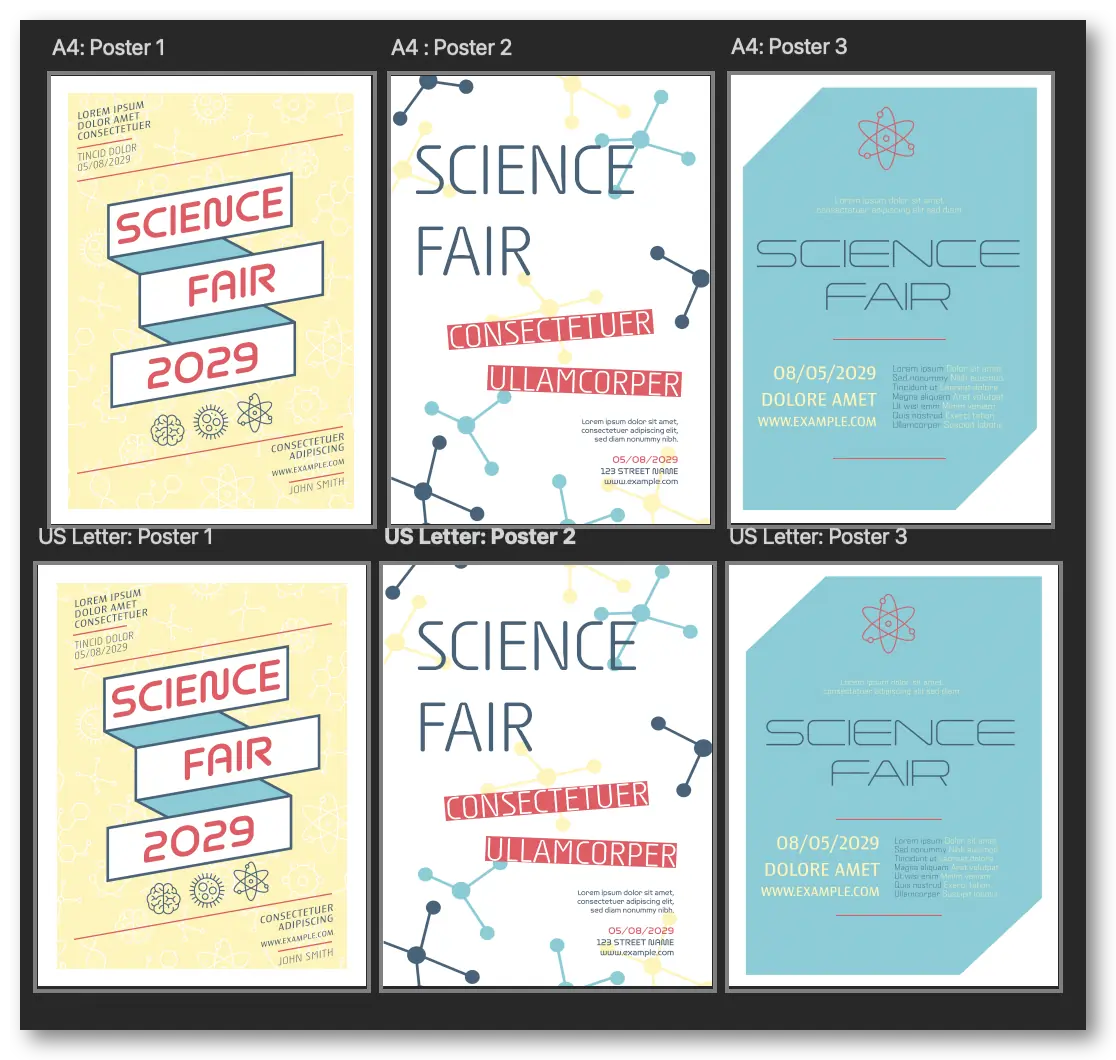
Adding new tools is fun. They each have a unique set of coding challenges and a unique set of uses. The online PDF merging tool offers a couple of new…