🎉 Anniversary Sale • 50% Off All Plans • Code 5YEARS
Skip to content
  • PDF Tools
    • Sign a PDF Online
    • Add Color to PDFs
    • PDF to B&W
    • Make PDF Look Scanned
    • PDF Editor – MultiTool
    • Document Agent: AI That Shows You the Evidence
    • More PDF Tools →
  • Print & Deliver
  • Image Editing
    • AI Colorizer
    • Convert to Single Color
    • Add Color Borders
    • Image Collage
    • More Image Tools →
  • Map Tools
    • PopNear — Population near any address
    • Funny Proximity Map App
    • Create Custom PDF World Maps
  • 3D Printing
    • 3D Name Tag
    • 3D labels, keychains, and small signs
  • About
  • Support
  • Pricing
  • All Tools
  • Toggle website search
Press Escape to close the search panel.

How to Add Page Numbers to a PDF Without Rebuilding It

  • Post published: October 18, 2026
  • Post category:PDF Tech

A finished PDF can still be awkward to review, print, or discuss when nobody can say, “look at page 14.” You usually do not need to rebuild the original Word,…
Continue ReadingHow to Add Page Numbers to a PDF Without Rebuilding It
Read more about the article White Threshold vs. Grayscale vs. Black and White: Which PDF Cleanup Method Should You Use?

White Threshold vs. Grayscale vs. Black and White: Which PDF Cleanup Method Should You Use?

  • Post published: October 4, 2026
  • Post category:PDF Tech/Use Less Ink

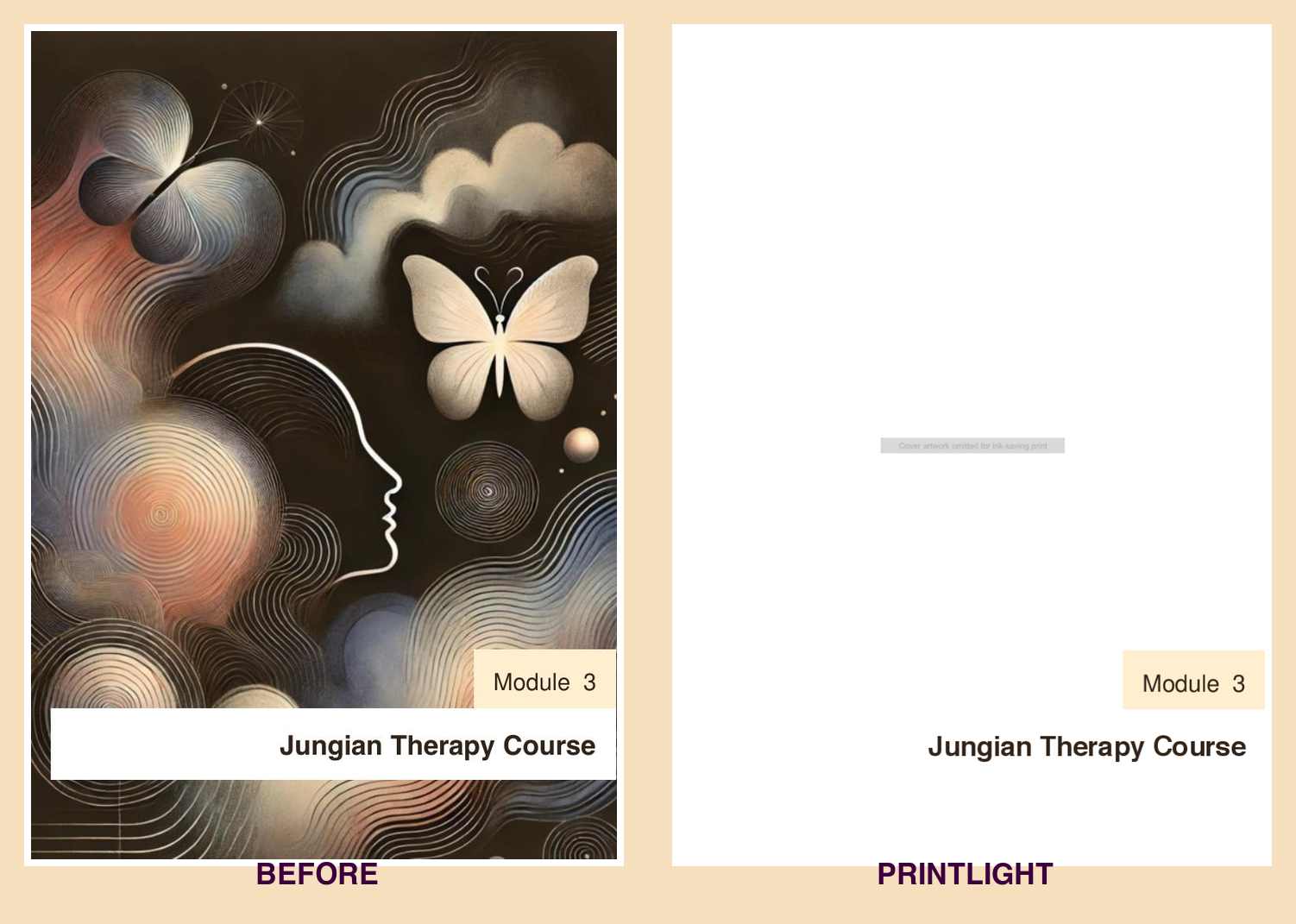
“Make this PDF use less ink” sounds like one task, but there are several very different ways to do it. Grayscale, black-and-white conversion, white-threshold cleanup, panel lightening, and image removal…
Continue ReadingWhite Threshold vs. Grayscale vs. Black and White: Which PDF Cleanup Method Should You Use?
Read more about the article How to Save Ink When Printing Workbooks, Handouts, and Invoices

How to Save Ink When Printing Workbooks, Handouts, and Invoices

  • Post published: October 4, 2026
  • Post category:PDF Tech/Use Less Ink

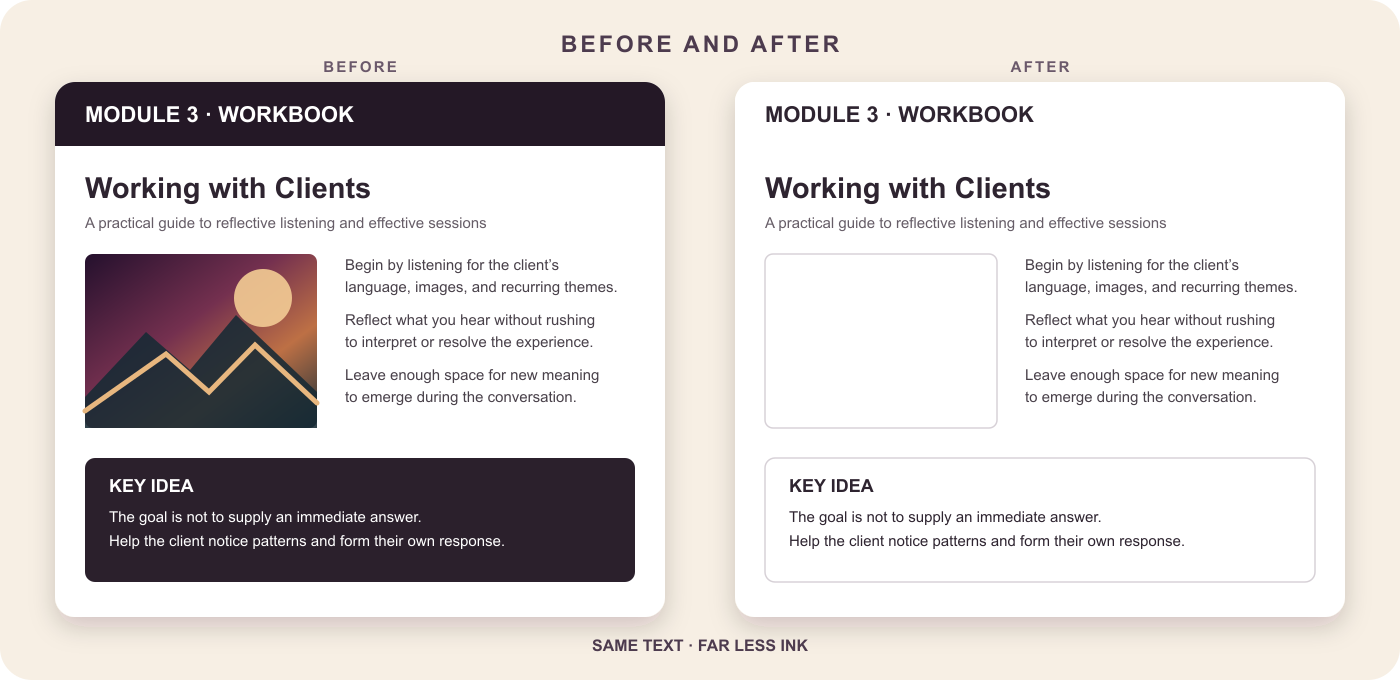
Many PDFs were designed for screens, not printers. A workbook may use dark chapter banners, an invoice may include a tinted scan, and a handout may devote half a page…
Continue ReadingHow to Save Ink When Printing Workbooks, Handouts, and Invoices
Read more about the article How to Make a Scanned PDF Background White Without Losing the Text

How to Make a Scanned PDF Background White Without Losing the Text

  • Post published: October 4, 2026
  • Post category:PDF Tech/Use Less Ink

Old scans often look fine on a screen but print like a sheet of gray or yellow construction paper. The printer tries to reproduce every bit of background discoloration, using…

Continue ReadingHow to Make a Scanned PDF Background White Without Losing the Text

How to Translate a PDF Online Without Losing the Layout

  • Post published: September 17, 2026
  • Post category:PDF Tech

Translating the words in a PDF is easy. Translating the document without wrecking the page layout is the hard part. A normal copy-and-paste workflow pulls text out of its original…
Continue ReadingHow to Translate a PDF Online Without Losing the Layout
Read more about the article Convert EPUB to PDF (and Merge with Other Files) – Now on SuperTool

Convert EPUB to PDF (and Merge with Other Files) – Now on SuperTool

  • Post published: June 17, 2025
  • Post category:Uncategorized

Need to convert an EPUB to PDF? You’re not alone. EPUB files are great for e-readers, but they’re a nightmare when you need a printable, shareable, or archived format. That’s…

Continue ReadingConvert EPUB to PDF (and Merge with Other Files) – Now on SuperTool

Your Ultimate Guide to Converting PDF to Word Online: Preserving Formatting and Optimizing OCR

  • Post published: July 15, 2023
  • Post category:PDF Tech

Ever grappled with transforming your PDF into a Word document without sacrificing the original formatting? Or scratched your head over the optimal way to extract text from a scanned PDF…

Continue ReadingYour Ultimate Guide to Converting PDF to Word Online: Preserving Formatting and Optimizing OCR

How to Create a GIF from a PDF With the SuperTool Converter

  • Post published: June 23, 2023
  • Post category:GIF/PDF Graphics

Are you struggling to find a quick and efficient way to convert a PDF to a GIF? If so, you're in the right place. With our SuperTool Converter, you can…

Continue ReadingHow to Create a GIF from a PDF With the SuperTool Converter
Read more about the article How to Insert a PDF into a Word Document Using Image Conversion

How to Insert a PDF into a Word Document Using Image Conversion

  • Post published: April 23, 2023
  • Post category:Uncategorized

Inserting a PDF file directly into a Microsoft Word document can be challenging, as it's not a built-in feature. However, there is a simple workaround you can use to achieve…
Continue ReadingHow to Insert a PDF into a Word Document Using Image Conversion
Read more about the article Add Custom Watermarks to PDFs

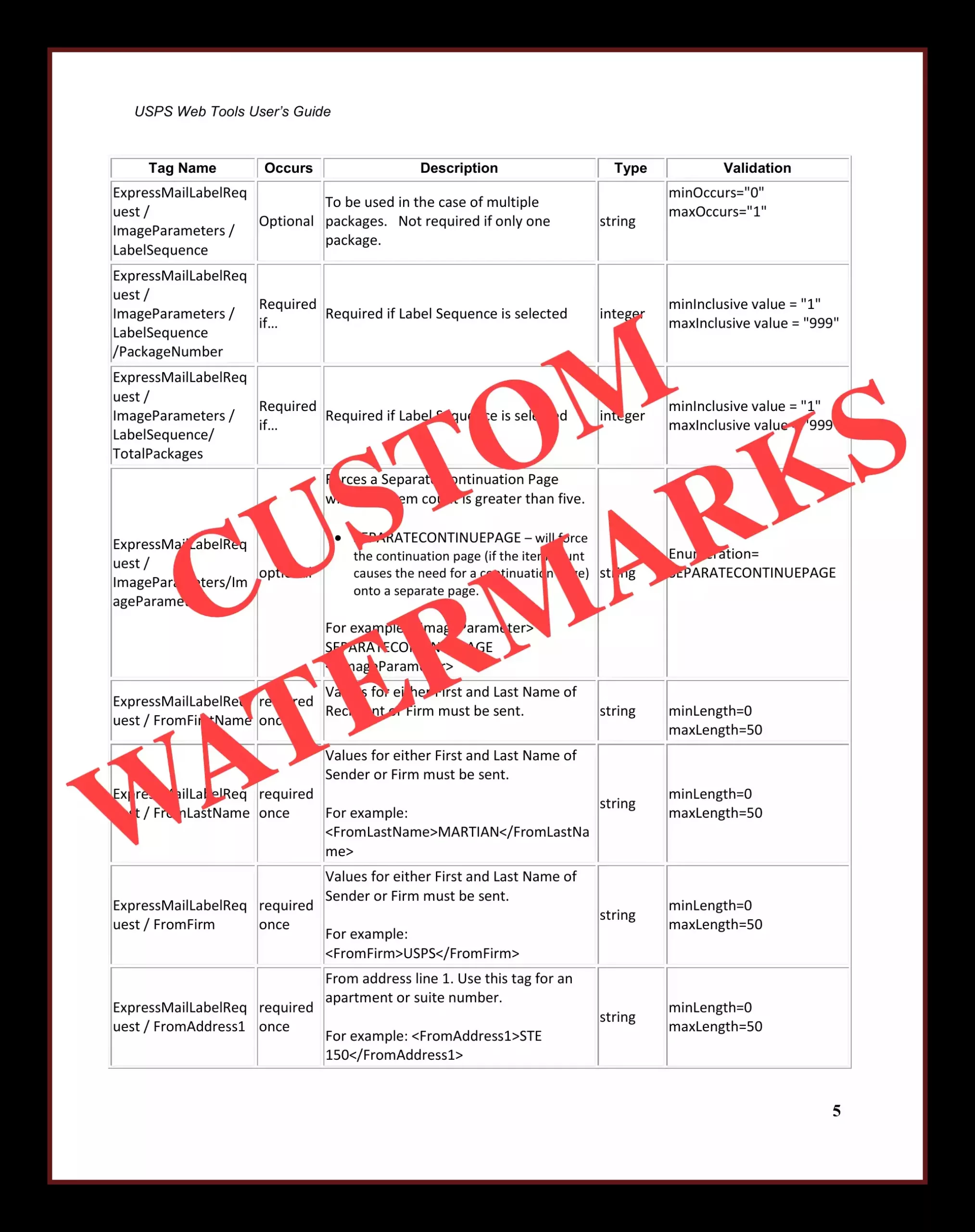
Add Custom Watermarks to PDFs

  • Post published: February 1, 2023
  • Post category:Watermark

SuperTool's PDF Editor is a must-have tool for all professionals and individuals who want to protect their important documents. With the increasing use of technology, it has become easier to…

Continue ReadingAdd Custom Watermarks to PDFs
  • 1
  • 2
  • Go to the next page

PDF TOOLS

  • Fill & Sign PDF
  • Sign a PDF Online
  • Add Color to PDFs to Print without Black Ink
  • PDF Color Editor – Replace Colors and Recolor Regions
  • Convert PDF to Black and White
  • Make PDF Look Scanned
  • OCR: PDF to Word
  • Flatten PDF: Make a PDF Uneditable
  • Convert PDF to Excel
  • PDF to JPG or PNG
  • Convert PNG, JPEG, and Other Images to PDF
  • Merge PDFs & Documents
  • Crop PDF
  • Rotate PDF
  • Add Shapes to PDFs
  • Edit PDFs
  • Free Custom PDF Calendar Creator
  • Convert PDF to DOCX (best to preserve formatting)
  • Convert DOCX to PDF
  • Compress PDFs
  • PDF MetaData Editor
  • PDF to GIF
  • Extract Colors from PDFs and Photos
  • PDF Form Data Extraction: Free!
  • Extract URLs and Links from PDFs
  • Document Agent: AI That Shows You the Evidence
  • Translate PDF Online
  • Lighten PDFs & Save Printer Ink
  • Create Word Clouds from PDFs
  • Create Custom Graph Paper
  • Add Page Numbers

IMAGE TOOLS

  • Add Color to Old B&W Photos
  • 3D Borders: Add to Photos
  • Multiple Borders: Add to Photos
  • Replace Black or Gray with One Color
  • Image Editor, Fully Featured
  • Free Image Editor: Multiple Effects
  • Image Collage
  • Create a QR Code
  • Extract Images from Word, Excel, and PowerPoint Files
  • SVG Editor
  • Heart Collage Maker
  • Remove Background
  • Convert Image Files (JPG, PNG, HEIC & More)
  • Convert HEIC Photos

GIF TOOLS

  • Edit GIFs
  • Make an Animated GIF from Text
  • Make GIFs from Two Images
  • Change GIF Colors
  • Make a GIF Look Old
  • Add Borders to GIFs
  • Image Zoom GIF Creator

MORE TOOLS

  • Custom Coloring Books
  • Reduce Excel File Size
  • Grainy: Print & Scan Effect for iPhone/iPad

MAP TOOLS

  • Population Near Any Address
  • Create a Custom World Map
  • Funny Proximity Map

3D PRINTING TOOLS

  • Make a Custom 3D Name Tag
  • Make 3D Labels, Keychains & Signs
Sign Up!
  • Home
  • Contact
  • Changing Colors – FAQ
  • General Q&A
  • Terms & Conditions
  • Privacy Policy
  • Nearly Unlimited Downloads
  • Print & delivery
Copyright - WordPress Theme by OceanWP
Close Menu
  • PDF Tools
    • Sign a PDF Online
    • Add Color to PDFs
    • PDF to B&W
    • Make PDF Look Scanned
    • PDF Editor – MultiTool
    • Document Agent: AI That Shows You the Evidence
    • More PDF Tools →
  • Print & Deliver
  • Image Editing
    • AI Colorizer
    • Convert to Single Color
    • Add Color Borders
    • Image Collage
    • More Image Tools →
  • Map Tools
    • PopNear — Population near any address
    • Funny Proximity Map App
    • Create Custom PDF World Maps
  • 3D Printing
    • 3D Name Tag
    • 3D labels, keychains, and small signs
  • About
  • Support
  • Pricing
  • All Tools